How to Take Jewellery Photos With Your Phone for AI Catalog Generation
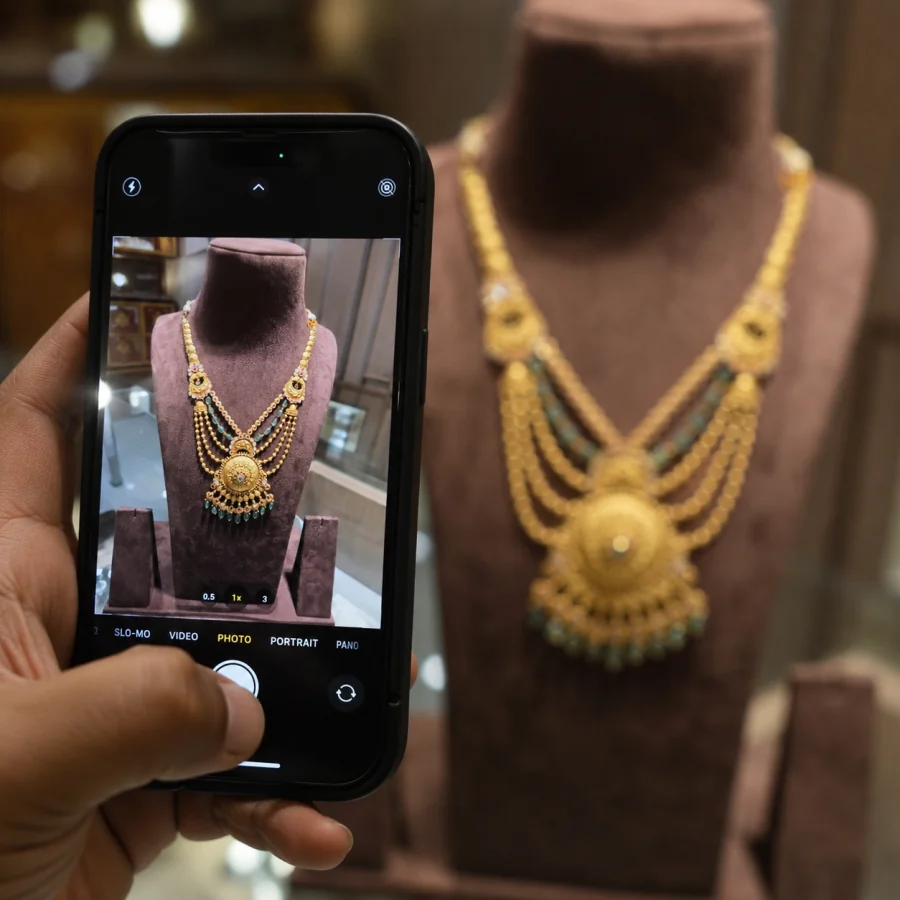
You Don't Need a DSLR
The most common question we hear from jewellers: "Do I need a professional camera?" The answer is no. JewelAI is specifically designed to work with phone photos — iPhone, Samsung, Vivo, Oppo, or any smartphone with a decent camera.
The AI handles all the heavy lifting: background removal, lighting correction, style application, and resolution enhancement. Your job is just to capture a clear photo of the jewellery piece.
5 Tips for Better Phone Photos
1. Use Natural Light
Place your jewellery near a window during daytime. Avoid direct sunlight — diffused natural light reduces harsh reflections on gold and gemstones. Morning light (8–10 AM) works best.
2. Use a Plain Background
A white sheet of paper, a plain table, or even a clean cloth works. The AI will replace the background entirely, but a clean starting point helps it detect the jewellery edges more accurately.
3. Keep the Camera Steady
Rest your phone against something stable or use both hands. Blurry photos produce blurry results. If your phone has a stabilisation mode, turn it on.
4. Fill the Frame
Get close enough that the jewellery fills at least 60–70% of the photo. Tiny jewellery in a large frame means lower detail for the AI to work with.
5. Avoid Flash
Phone flash creates uneven reflections on metal and stones. Natural or ambient light always produces better results for jewellery photography.
What About Different Jewellery Types?
- Necklaces: Lay flat or drape on a plain surface. Ensure the full piece is visible.
- Rings: Stand upright using a small piece of putty or photograph at a slight angle lying flat.
- Bangles/Bracelets: Stack or lay flat. Photograph from above.
- Earrings: Photograph in pairs, laid flat with some spacing between them.
Upload and Let AI Do the Rest
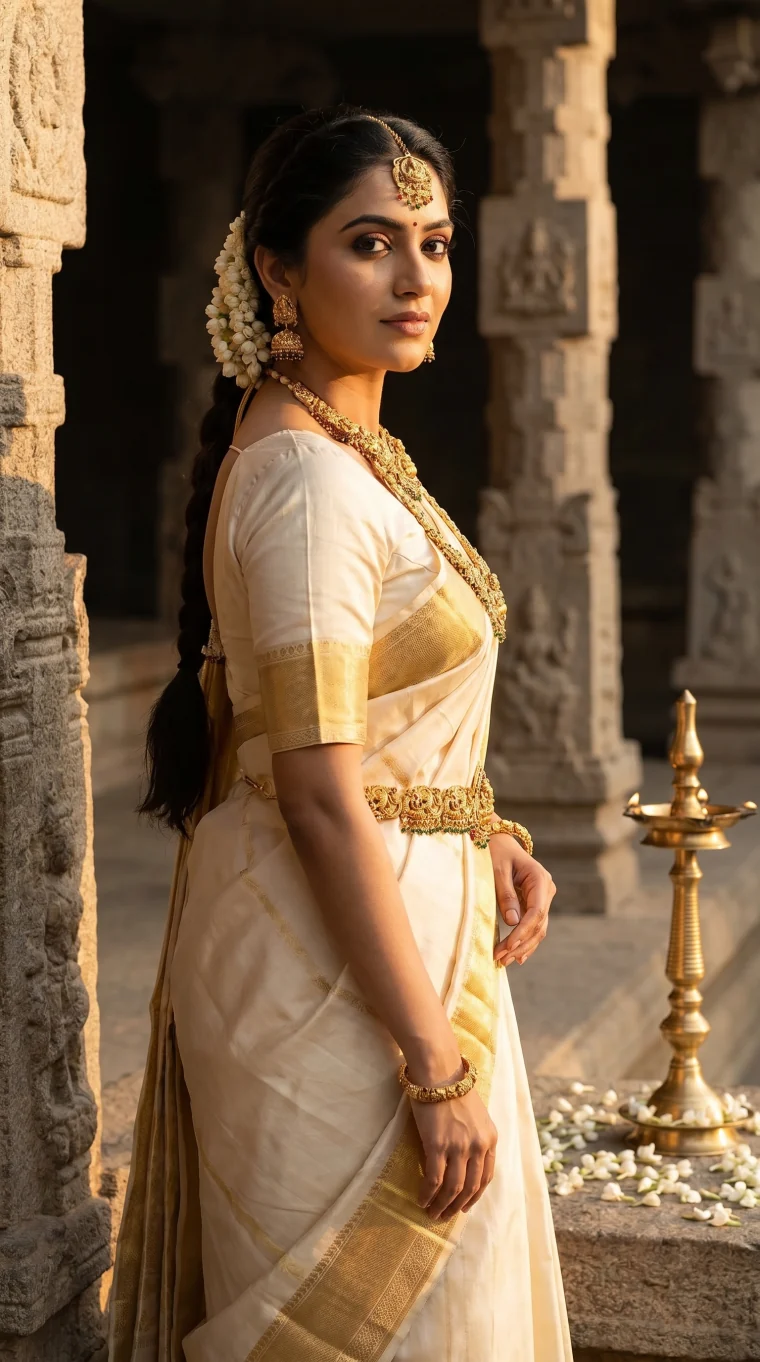
Once you have a clear, well-lit photo, upload it to JewelAI, pick your style (bridal, luxury studio, lifestyle, editorial, and more), and download publish-ready catalog images. The entire process takes under 2 minutes.
Ready to try AI jewellery photography?
Upload a phone photo, pick a style, and get catalog-ready images in minutes. Your first image is free.
Try JewelAI FreeKeep reading
AI Jewellery Photography vs Traditional Photoshoot: Cost, Speed & Quality Compared
Compare AI-generated jewellery catalog images with traditional studio photoshoots. See how Indian jewellers save 90% on product photography with JewelAI.
5 min readCreate Instagram-Ready Jewellery Catalog Images With AI in Under 2 Minutes
Learn how Indian jewellers use AI to create scroll-stopping jewellery photos for Instagram, WhatsApp Business catalogs, and social media marketing.
4 min read10 Best Jewellery Photo Styles for Online Selling — Which One Suits Your Brand?
The best jewellery photography styles for e-commerce, Instagram and catalogs — from bridal to lifestyle to luxury studio. Find the right look for your brand.
5 min read